1
Place the QR code in your business
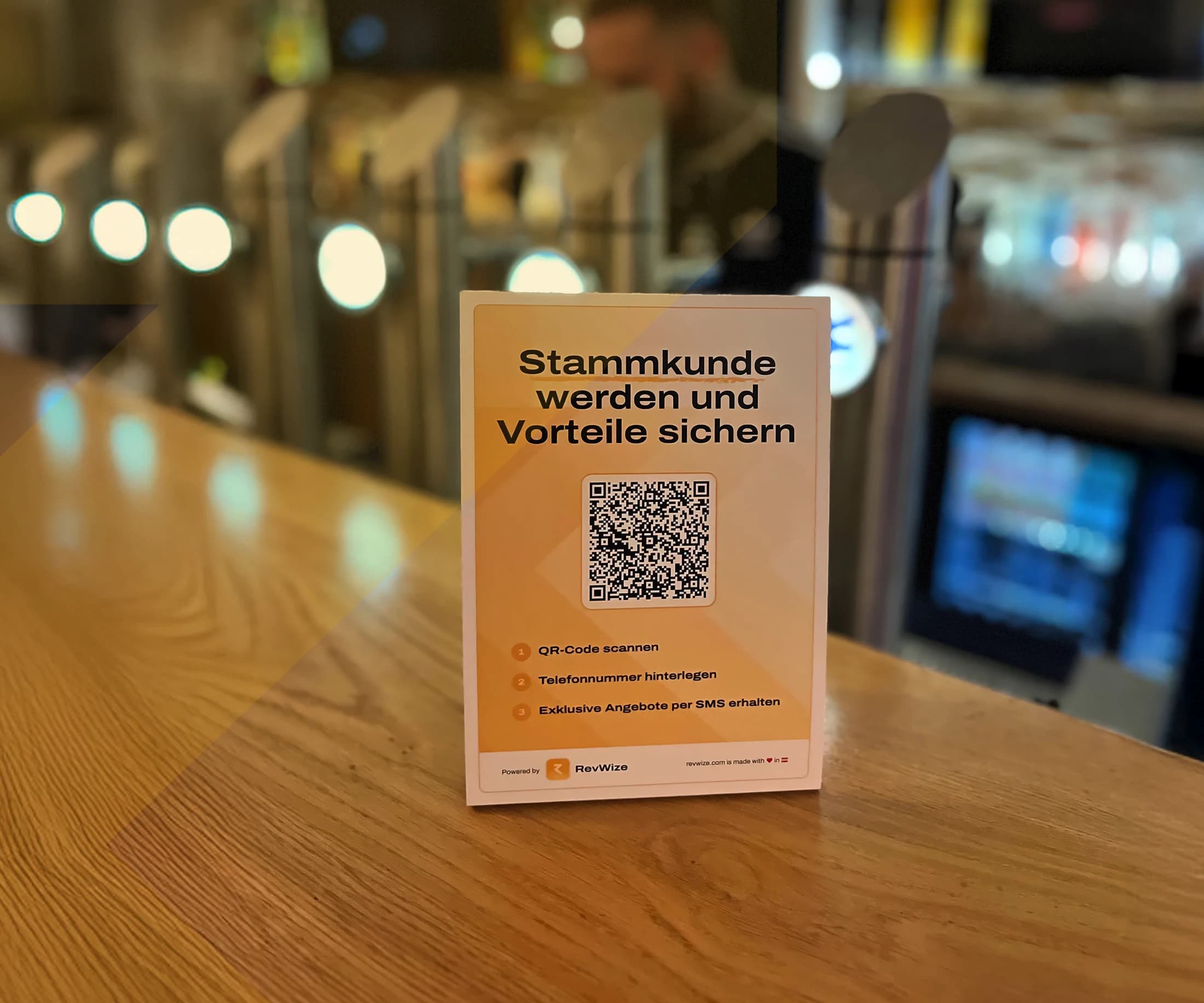
At the counter, table, reception, mirror, checkout terminal, or on the receipt.
Place your RevWize QR code in your business. Customers scan it, sign up in seconds, and give their consent. Right after signup, they receive your Google review link by SMS. An anonymous visit becomes a direct customer contact.
Enter phone number
I would like to receive offers, loyalty benefits, and review requests by SMS.
Many customers come in, buy, and leave again without a way for you to reach them later. The QR Code Stand creates a simple path to stay in touch with satisfied visitors.
At the counter, table, reception, mirror, checkout terminal, or on the receipt.
No app, no account, no long form.
The opt-in is requested directly when the customer enters their phone number.
Later you can send review requests, offers, or loyalty benefits to subscribed customers.
The QR code gives visitors a simple action at the exact moment they are already with you.
Build your customer list where the relationship starts: in your business.
Customers enter their details themselves. Your team does not need to explain or type anything.
Spontaneous visitors become reachable customers.
No app store, no download, no login.
No. The QR code opens directly in the browser.
Start with one RevWize flow, measure what works, and expand your customer journey from there.